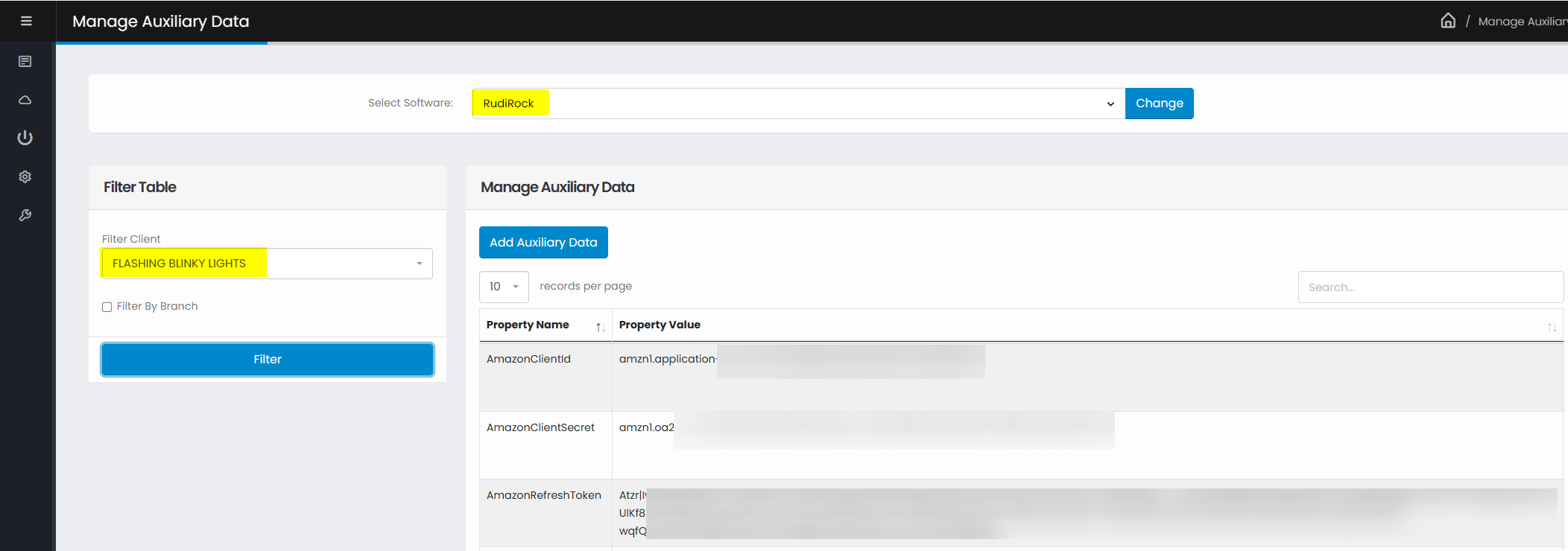
Log in to the Amazon Developer Portal
Add a new app client
Enter the following information:
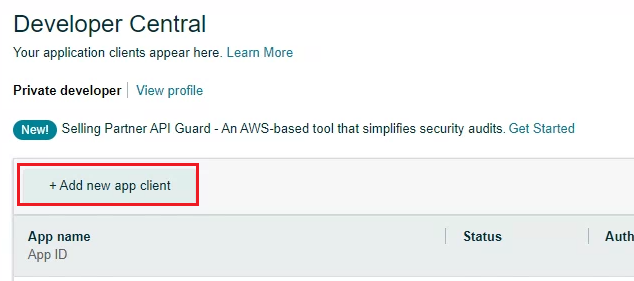
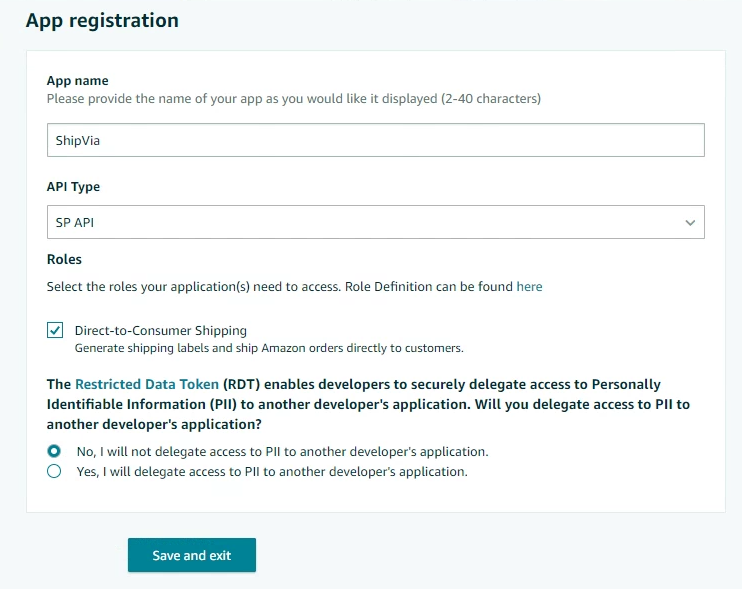
Click Save and exit
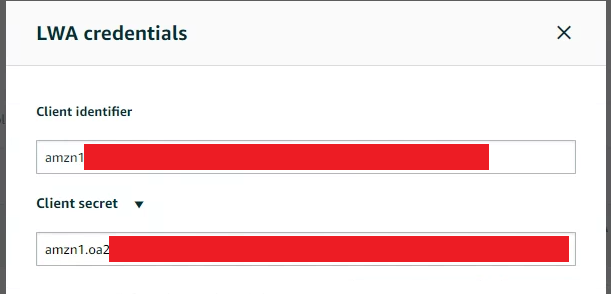
On the Developer Central screen, click the button under LWA Credentials that says “View”
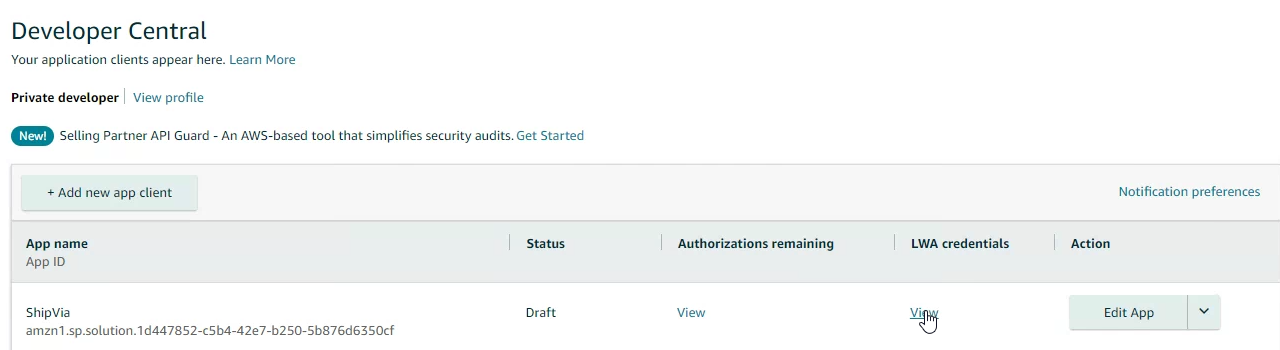
You will see your Client Identifier and Client Secret. Please send this information to us
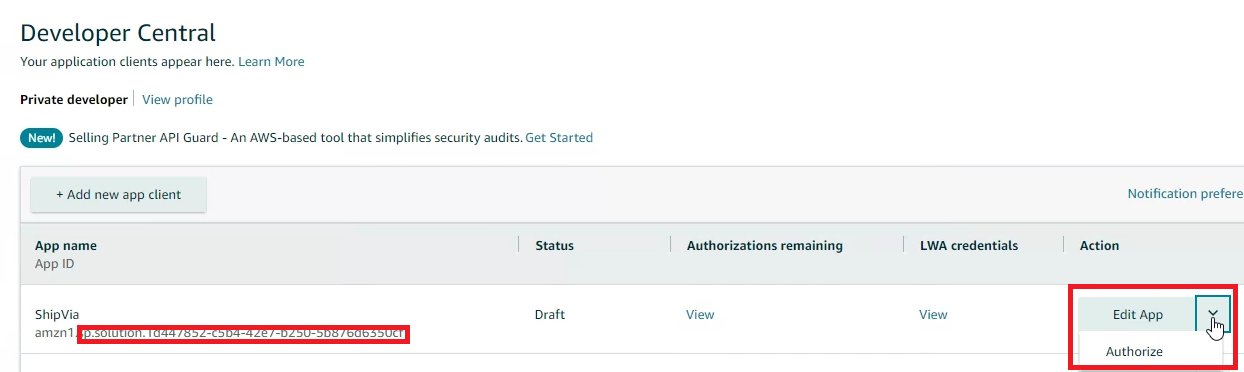
Return to the Developer Central screen
Click the dropdown button next to Edit App, and click the option that says Authorize
Click the “Authorize App” button on the next screen:

Copy and paste the generated Refresh Token, and send it to us:

set in aux data in ViaDUCT > Rudirock Software